> ## Documentation Index
> Fetch the complete documentation index at: https://help.onetsolutions.net/llms.txt
> Use this file to discover all available pages before exploring further.
# On-Demand NVIDIA GPU, Billed by the Minute
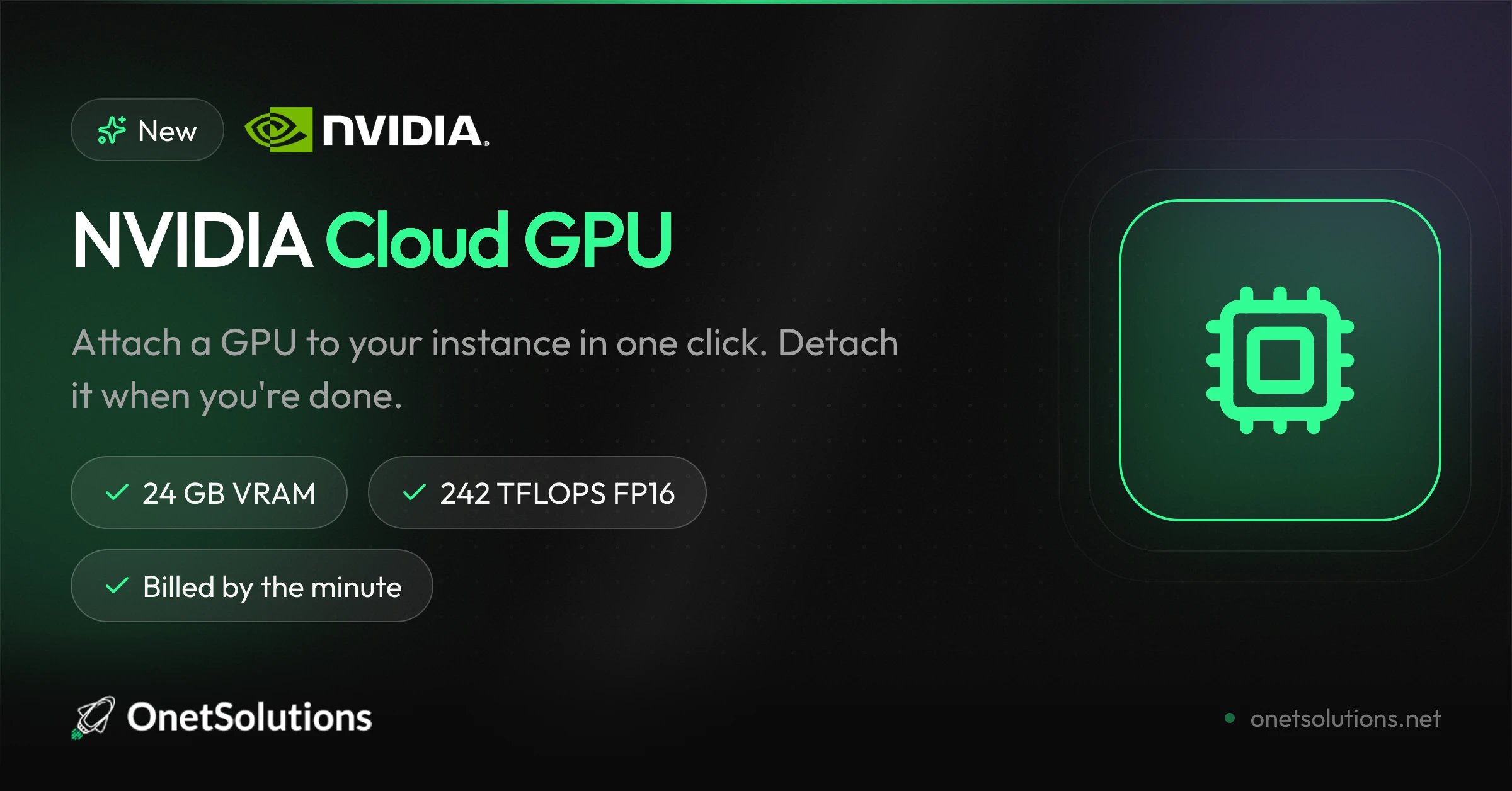
> Attach an NVIDIA L4 GPU to your High Performance VPS in one click, train or serve your models, then detach it — you only pay for the minutes used.
 *Published on July 14, 2026*
Need GPU power without renting a dedicated GPU server by the month? You can now attach an NVIDIA GPU to your High Performance VPS in one click, and detach it as soon as you are done.
## NVIDIA L4: built for inference and compute
The attached GPU is an NVIDIA L4 with 24 GB of GDDR6 VRAM and up to 242 TFLOPS in FP16 (485 TFLOPS in FP8). Standard NVIDIA drivers are pre-installed: CUDA and PyTorch work out of the box.
## €0.70 per hour, billed by the minute
*Published on July 14, 2026*
Need GPU power without renting a dedicated GPU server by the month? You can now attach an NVIDIA GPU to your High Performance VPS in one click, and detach it as soon as you are done.
## NVIDIA L4: built for inference and compute
The attached GPU is an NVIDIA L4 with 24 GB of GDDR6 VRAM and up to 242 TFLOPS in FP16 (485 TFLOPS in FP8). Standard NVIDIA drivers are pre-installed: CUDA and PyTorch work out of the box.
## €0.70 per hour, billed by the minute
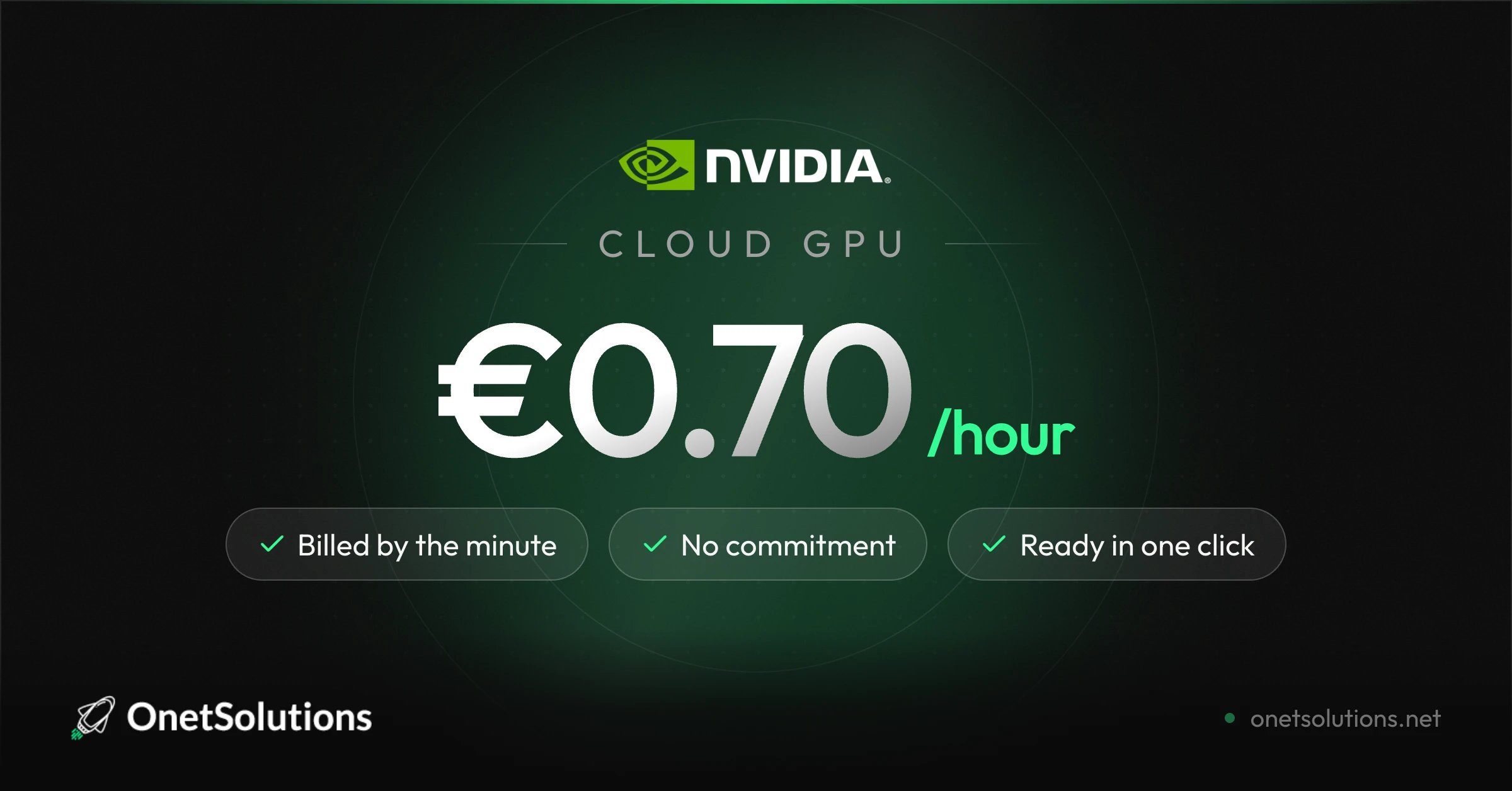 The GPU costs €0.70 excl. VAT per hour, billed by the minute, with no commitment. You attach it, you compute, you detach it — billing stops the minute the GPU is released.
## A GPU for every workload
The GPU costs €0.70 excl. VAT per hour, billed by the minute, with no commitment. You attach it, you compute, you detach it — billing stops the minute the GPU is released.
## A GPU for every workload
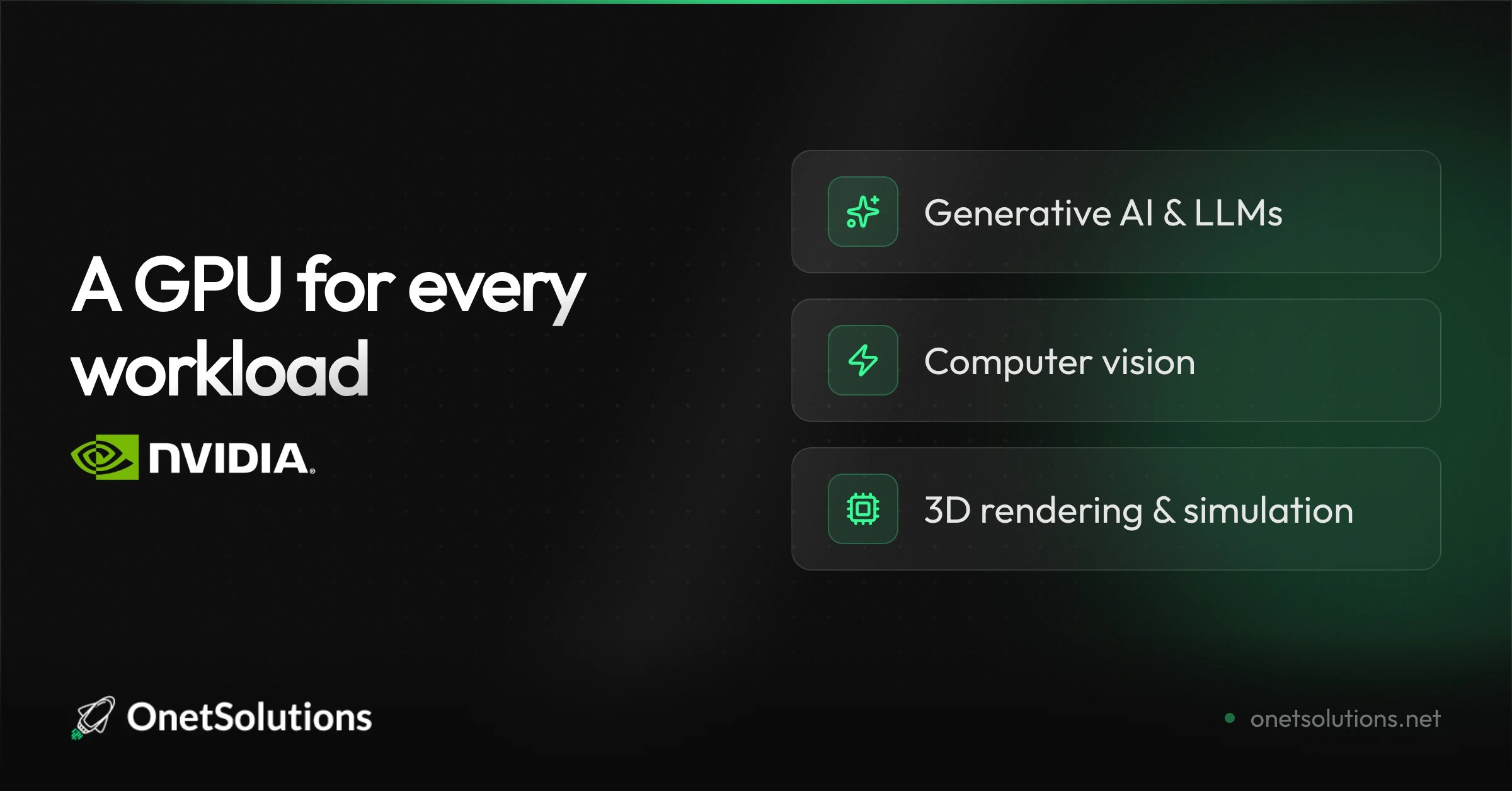 Train a model, serve an LLM, render a 3D scene, or accelerate a data pipeline: the GPU joins your instance in a few minutes, only when you need it.
## How it works
1. Open your instance in the console and select **Attach a GPU**.
2. Restart the instance so the GPU is taken into account.
3. Work — then detach the GPU when you are finished. Billing stops to the minute.
Ready to compute? [Discover the High Performance VPS with GPU](https://onetsolutions.net/en/gpu) or attach one directly from [your console](https://console.onetsolutions.net/dashboard).
Train a model, serve an LLM, render a 3D scene, or accelerate a data pipeline: the GPU joins your instance in a few minutes, only when you need it.
## How it works
1. Open your instance in the console and select **Attach a GPU**.
2. Restart the instance so the GPU is taken into account.
3. Work — then detach the GPU when you are finished. Billing stops to the minute.
Ready to compute? [Discover the High Performance VPS with GPU](https://onetsolutions.net/en/gpu) or attach one directly from [your console](https://console.onetsolutions.net/dashboard).